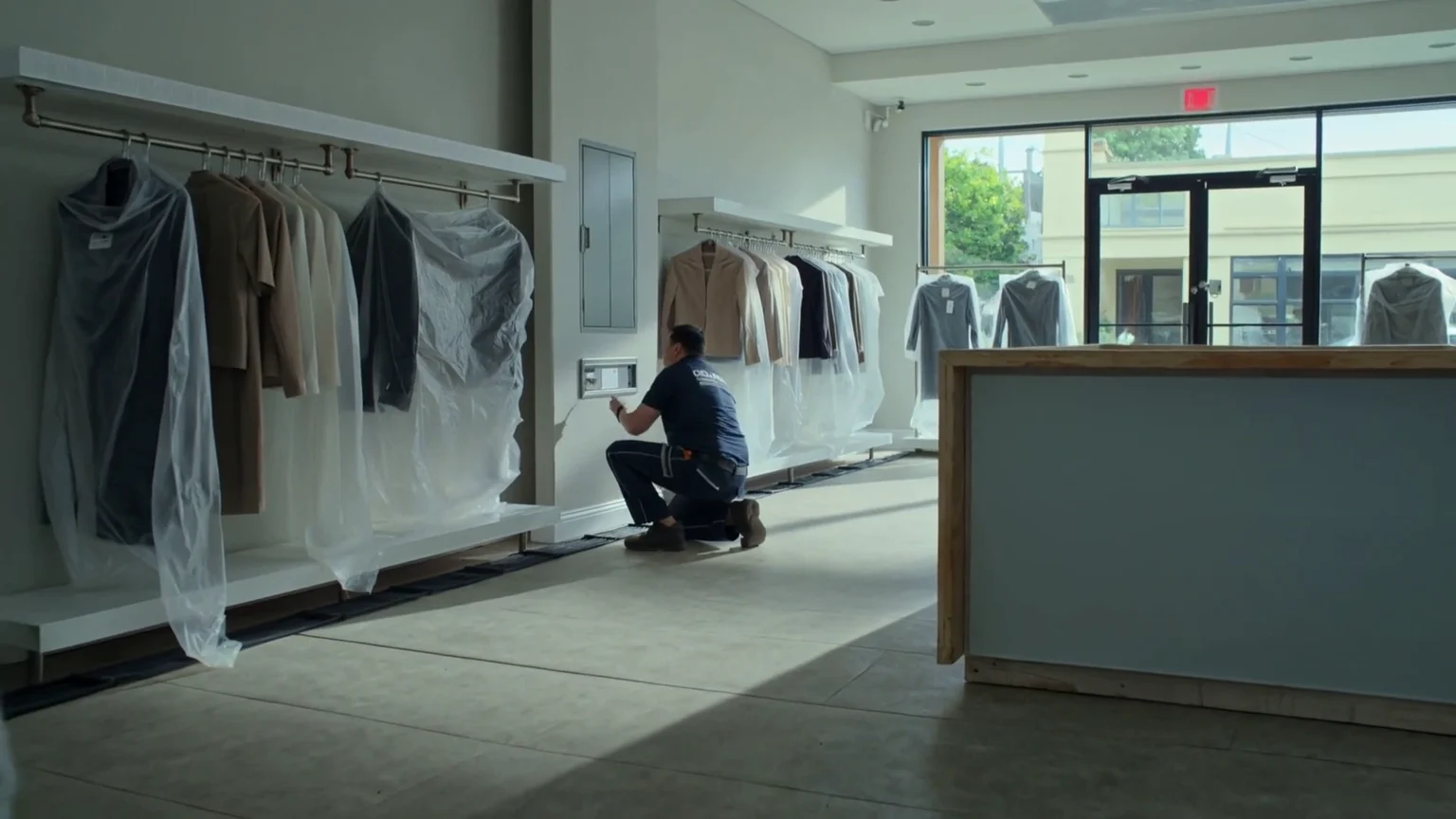
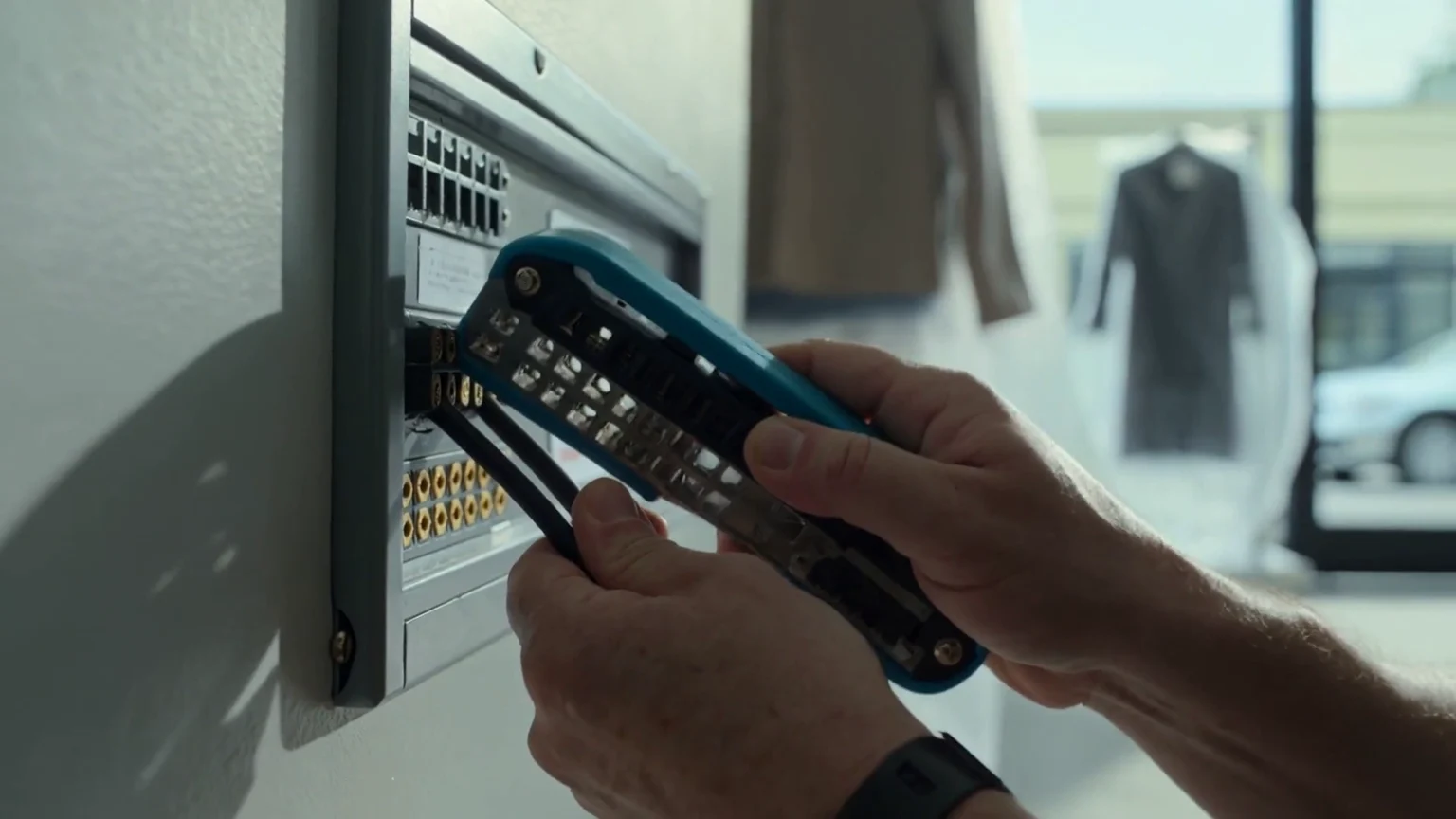
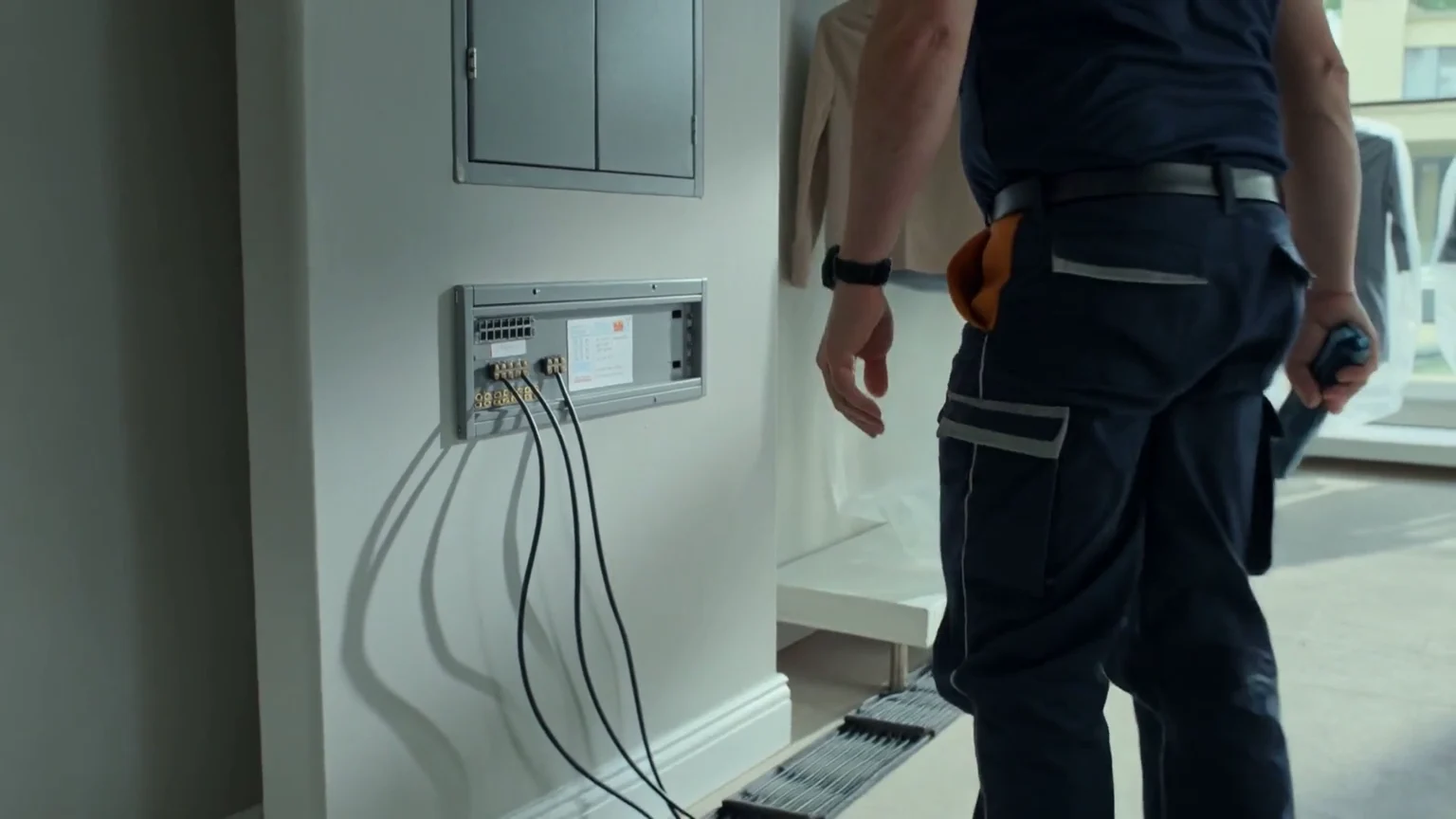
Cabling & point of sale
Route and terminate network outlets for tills, office workstations, wireless access points and security equipment. Label each link and agree the communications-cabinet layout.
Explore this service ↗RETAIL / THE INSTALLATION SCOPE
A successful retail installation starts before the cameras go up. We coordinate cable routes, till positions, stockroom access and equipment locations with your shopfitter, landlord and store team. The aim is a practical system with neat finishes and a clear handover.
Route and terminate network outlets for tills, office workstations, wireless access points and security equipment. Label each link and agree the communications-cabinet layout.
Explore this service ↗Position cameras around entrances, tills, stock movement and agreed shared areas. Fix brackets, terminate connections and verify views against the planned coverage.
Explore this service ↗Install the agreed door contacts, detection devices and keypad. Plan cable routes before finishes close, then test zones and user operation.
Explore this service ↗Fit readers and associated door equipment for staff-only areas. Coordinate the door interface, configure agreed permissions and test entry and exit.
Explore this service ↗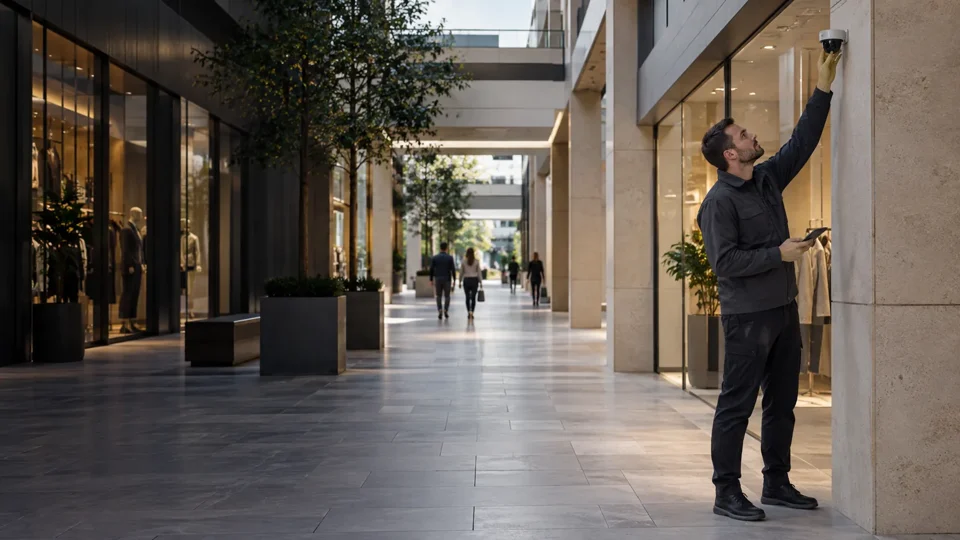
THE DETAILS THAT SHAPE DELIVERY
Agree work areas and access times before tools arrive, including out-of-hours work where required.
Confirm fixture heights, ceiling closures, signage and landlord requirements before final equipment positioning.
Protect stock and finishes, label cables and leave equipment accessible for future maintenance.
WORK IN PROGRESS
Illustrative installation scenes showing the work stages. Select an image to view the details.
FROM SURVEY TO SIGN-OFF
We agree the equipment, responsibilities, access arrangements and required records before work begins.
Confirm entrances, till positions, stockroom layout, existing services and the installation scope.
Install containment and cable routes while ceiling and joinery access are available.
Fit cameras, detection devices and readers, then terminate network and control wiring.
Check links, camera views, alarm operation and access permissions; provide agreed records and a user walkthrough.
MORE THAN EQUIPMENT ON A WALL
Handover is part of the installation scope. We agree the records and walkthrough your team needs to operate and maintain the system.
Discuss your handover requirements ↗BEFORE WE START
Yes. We plan access, work zones and installation windows with the store team. The available routes and operating hours determine how the work is phased.
We can coordinate technology first fix and second fix with the fit-out programme, including ceilings, doors, counters and joinery.
A pilot installation can establish a repeatable specification, installation checklist and handover pack for the wider rollout.